Your businessGoogle Business Profile · Update

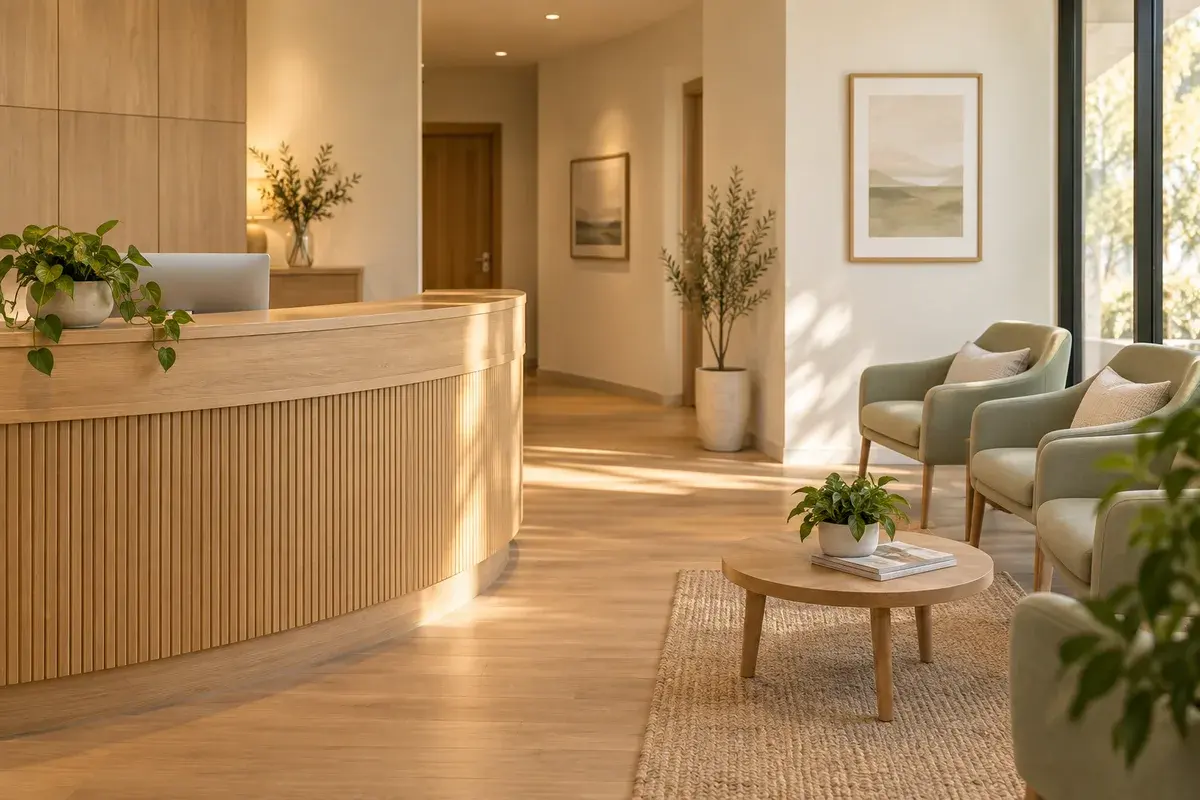
A little more flexibility for your next visit. We’re now open later on Tuesdays and Thursdays.
Create a Google Business Profile post, shape the draft, and choose when it goes live.
A little more flexibility for your next visit. We’re now open later on Tuesdays and Thursdays.
Evening hours · Tue, Oct 20 at 10:30 AM
Sample content · Explore the publishing workflow.
Follow one post from first draft to an approved publishing time.
Give AI a brief. Add the photo that makes it yours.
Your draft is ready. Choose a photo to finish it.
Your businessA little more time to stop by. We’re now open until 7 PM on Tuesdays and Thursdays. Come in after work and let our team help you find what you need.
Learn moreInteractive preview with example copy and photos.
A clear place for every update. Open a post to review the details.
Your business
We’re now open until 7 PM on Tuesdays and Thursdays. Stop by after work and take your time.
Explore the calendar. Changes stay in this preview.
Yes. Generated content opens as a draft in the composer, where you can revise the text and post details before saving, publishing, or scheduling it.
Yes. Choose Publish now or set a future date and time. Publishing and scheduling must be enabled in the business’s GBP post mode; draft-only mode keeps the post as a draft.
Yes. Choose a date, time, and timezone such as America/Los_Angeles. The selected timezone is stored with the schedule.
The composer offers daily, weekly, or monthly recurrence for Offer and Event posts. A standard Update can be scheduled once, without recurrence.
This composer publishes to one selected Google Business Profile at a time. Bulk publishing across locations and cross-posting to other social channels aren’t included.
Create a post, review the copy, and choose when it goes live.
Create your next post